
Prompts
Prompts tell your agents how to write. Instead of one long prompt per agent, Etals splits your instructions into small pieces that each do one job: brand rules, a description of who you write for, or a rule for one field. Agents pick up the pieces that fit the work they’re doing.
Go to Setup > Prompts.
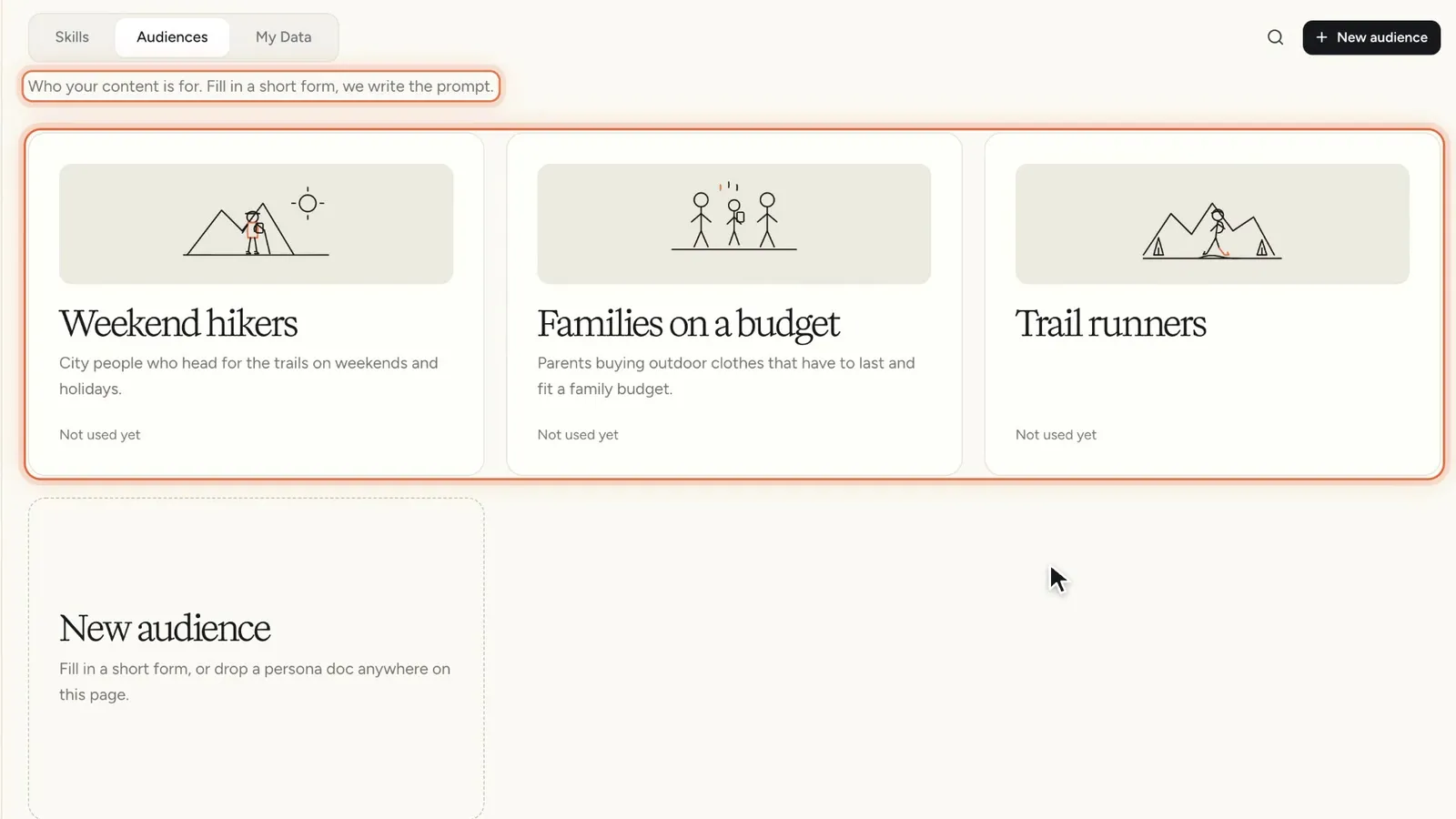
Three kinds of prompts
The page has three tabs.
If you’re unsure where a rule belongs, use this table.
How agents pick up prompts
Skills are attached to agents. To see which ones, open an agent under Setup > Agents and go to Knowledge.
When an agent has Discover skills and audiences automatically turned on, Etals compares each skill with what the agent does and attaches the ones that fit. It checks again a short while after you create or change a skill or an agent. So when you add a Sustainability claims skill, Etals can attach it to your copywriting agents without you opening each one.
Your own choices always win. If you remove a skill from an agent by hand, Etals won’t add it again. If you add one by hand, Etals won’t remove it.
Every skill shows Used by N agents, or Not used yet, so you can see how far a change reaches before you save it.
Audiences work differently: you pick them where you work, for a grid, a column or a canvas. Tags let you switch sections of your prompts on for one piece of work. Both are explained in Audiences & tags.
Field instructions on the My Data tab work differently. They aren’t attached to anything: every agent reads them whenever it writes or translates that field.
Simple and Advanced editing
Skills and field instructions open in the same editor, with a Simple | Advanced switch at the top.
Simple is a document. You write in sections, each with a title and text. A section can carry a condition, such as “only when the market is Germany”. Without one it says Always and applies every time. This is where most people do all their work.
Advanced shows the same sections as a list of instructions with full condition groups, file attachments and a Variables panel. Variables only exist here. They show as orange chips and pull in values such as the target language or the current market. You rarely need them: agents already get the product’s data and the field’s instructions on their own (see What agents see). Switching between the two modes loses nothing.
Nothing saves on its own. Click Save when you’re done. If you try to leave with unsaved changes, Etals asks first.
System prompts
At the bottom of the Skills tab is a collapsed section called Advanced: “System prompts behind the core features”. These are the base prompts behind copywriting, translation and the other built-in features.
A system prompt runs a core feature for every task that uses it. When you save one, Etals asks “Change this system prompt?” and you confirm with I understand, save. For rules that only apply to your brand, create a skill instead.
Some system prompts say “Etals keeps this prompt up to date, so it cannot be changed here.” Etals maintains those for you, and they can’t be edited.
Getting help from the assistant
There’s no “improve with AI” button in the editor. Open the assistant instead and ask it, for example, to “add a section about care instructions for wool” while the skill is open. It knows which skill or field you’re looking at. Changes the assistant makes are kept as a draft first, so your agents don’t see them until the draft is published.