
Authorization
Every call your system makes to Etals carries an API token in the Authorization header. A token acts as the user who created it, and its abilities decide which endpoints it may call.
Calls from Etals to your system (the API export) work the other way round: you give Etals a secret to send. That is covered on the export page.
Base URL
Your base URL is the address you sign in to Etals with, for example https://nordvik-outdoor.etals.app. On these pages it is written as https://{your-workspace}.etals.app. All API paths on these pages start with /api/v1.
Headers
Send Accept: application/json on every request. Without it, a missing or rejected token answers with a redirect to the sign-in page, or an HTML error page, instead of a JSON error.
Create a token
Open the API token page
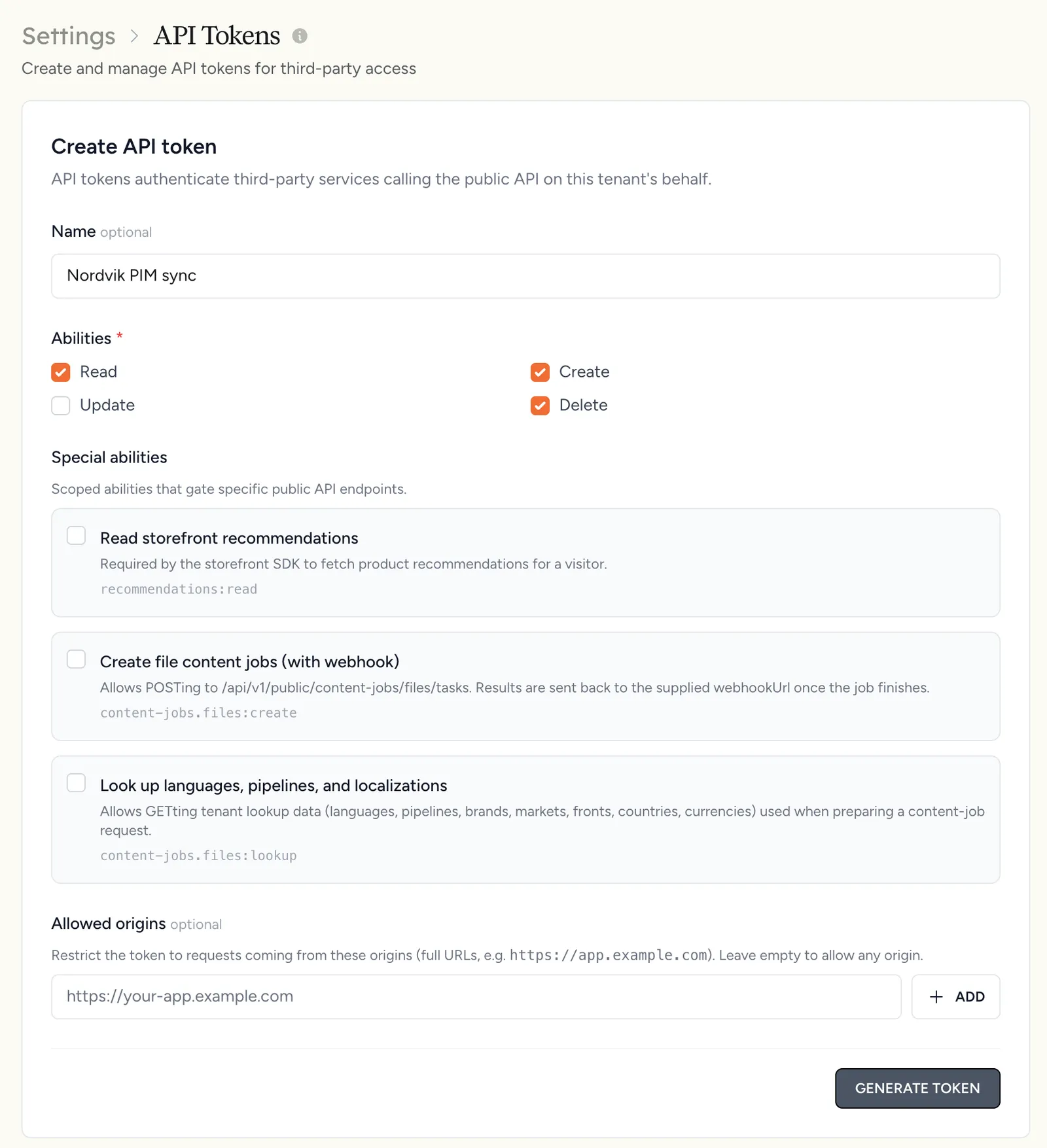
Go to Settings > API Tokens (in the Integrations group of the settings menu). The page needs the permission to manage API tokens (can_manage_api_tokens), which the admin and owner roles have. Without it, the menu entry is hidden.
Fill in Create API token
- Name: optional, for example
Nordvik PIM sync. - Abilities: tick the ones your integration needs (see the table below).
- Special abilities: leave these unticked for integrations. They are for the storefront and public API only, and a token that carries any of them is rejected by the endpoints on these pages.
- Allowed origins: leave empty. This list only applies to the public API, not to funnels or feedback.
Abilities
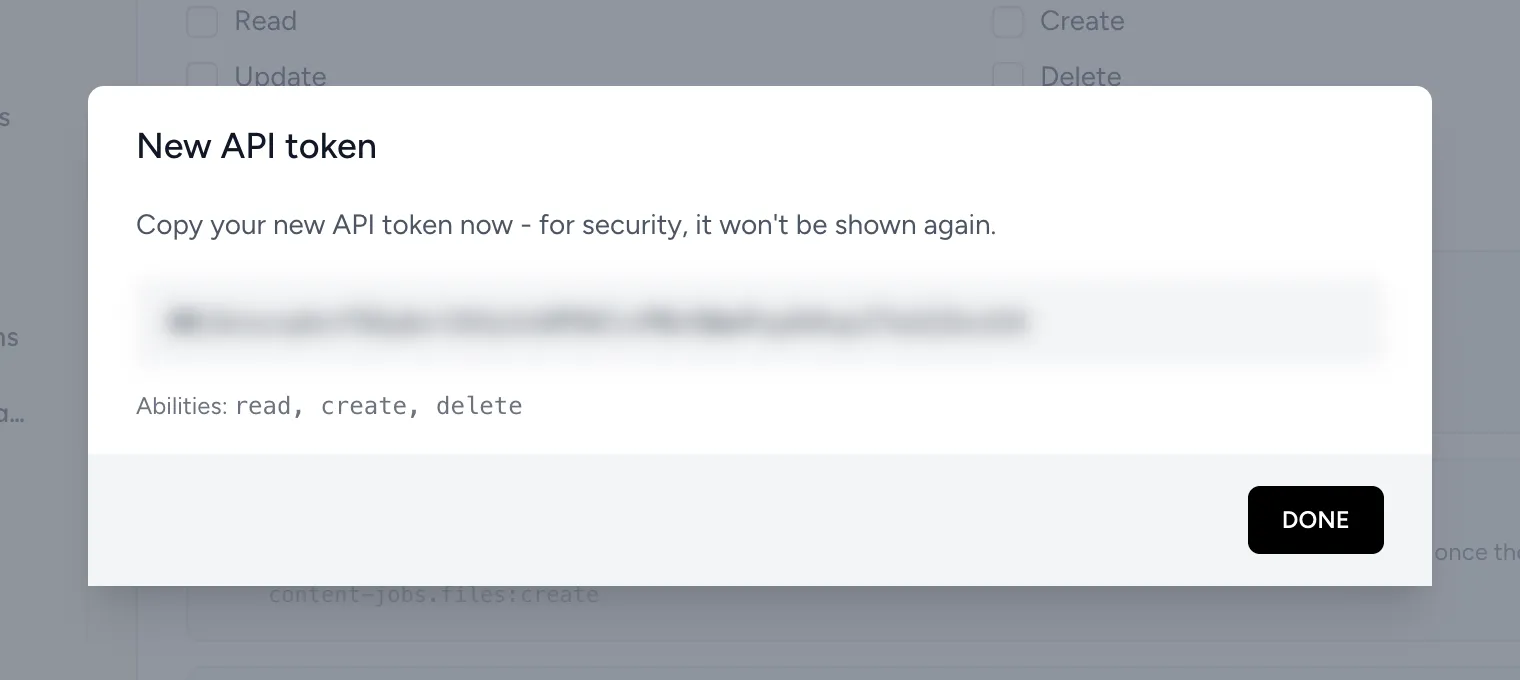
A typical round-trip integration uses one token with Read, Create and Delete.
User permissions
The token can do what its owner can do, within its abilities.
Create integration tokens from a dedicated integration user, not a person’s account. A token always belongs to the user who creates it, so sign in as that user, and give its role the permission to manage API tokens. If the owner is archived or removed, the token is marked Inactive and every request with it is rejected.
Expiry, rotation and revoking
- Tokens do not expire.
- Rotate creates a new token with the same name and abilities and revokes the old one at once. Update your system right after rotating.
- Revoke removes the token. Requests with it fail from then on.
If a token may have leaked, rotate it.
Errors
These bodies assume Accept: application/json.
Example
Keeping tokens safe
Treat a token like a password. Keep it on your server, out of frontend code, repositories, screenshots and tickets.